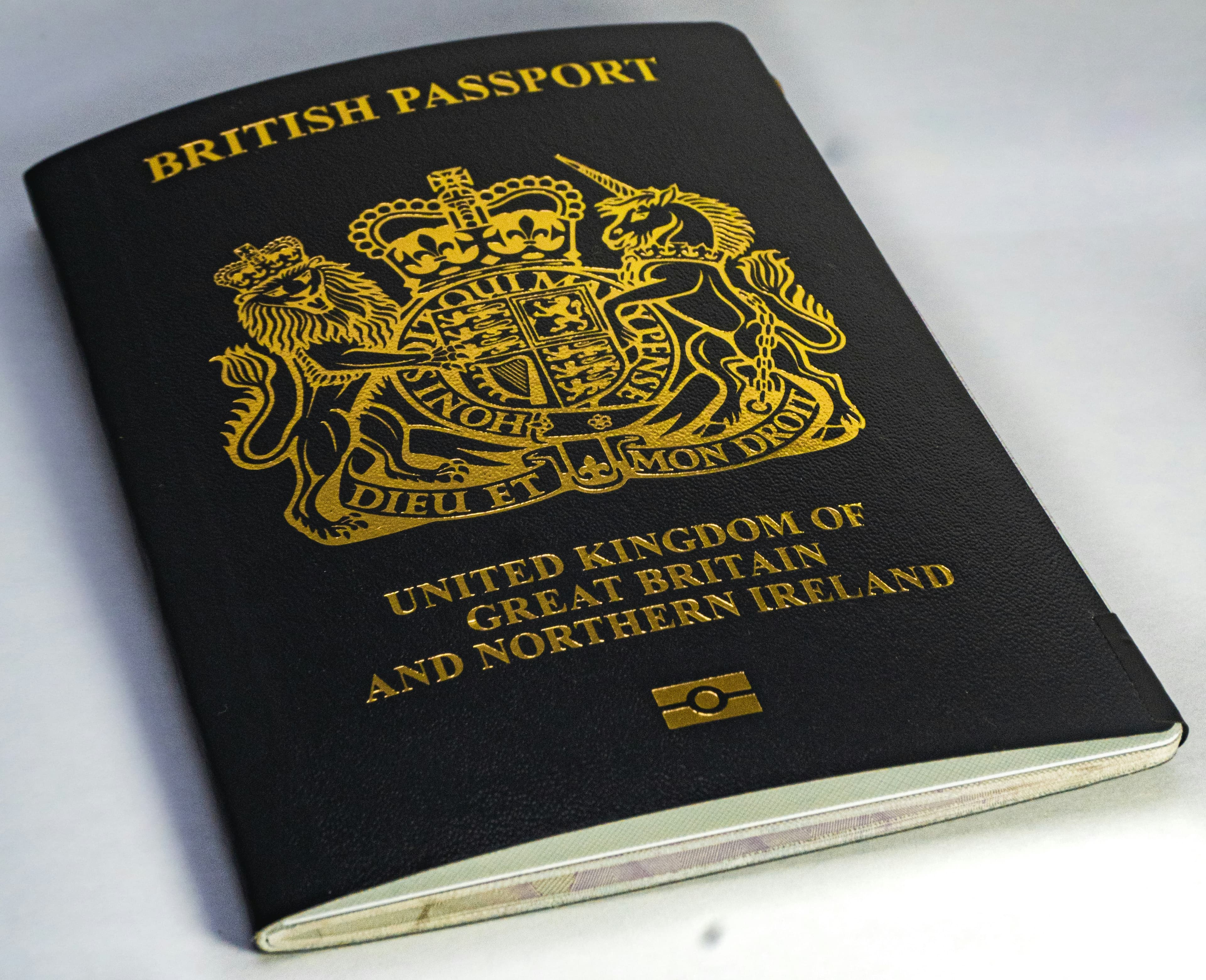
The 30-Second Security Decision: When to Share Your Passport
❌ NEVER Share Via:
- • Email attachments (no encryption)
- • Text messages or WhatsApp
- • Social media or chat apps
- • Unknown recruiters online
✓ Safe Alternatives:
- • In-person verification only
- • Encrypted upload links
- • Official employer portals
- • Government-approved systems
Quick Decision Rule:If they’re asking for passport photos before you’ve met in person or received a formal job offer, it’s likely fraudulent.
The Email Security Illusion
A passport copy hands a fraudster everything they need in one go: your full name, date of birth, photograph, signature, passport number, nationality, and place of birth. That’s the complete kit for opening a bank account in your name, applying for credit, or passing the “prove you are who you say you are” check at any service that doesn’t verify in person.
Email makes this worse. Messages bounce between several servers on their way to the recipient. At each hop your passport image sits, often unencrypted, on a machine you’ve never heard of, run by a company whose terms you’ve never agreed. Once delivered, the email stays in the recipient’s inbox until they delete it. Copies linger in backups. Forwards multiply uncontrolled. There is no “unsend”.
Source: Cifas / GASA, State of Scams in the United Kingdom 2024
Share Your Passport Securely
AES-256 encrypted upload links. Auto-delete after download. No accounts needed.
What to Say When Asked
Most passport requests are legitimate. Right-to-work checks for a new job, anti-money-laundering verification for a new bank or broker, identity confirmation for a rental application; all are real reasons someone might ask, and refusing outright will usually slow you down or end the application.
The honest answer is: you don’t have to email the photo. The asker doesn’t actually need an email copy. They need to see and record the document, which they can do in several safer ways. Offer one and let them choose.
Professional Response Template
“I’d be happy to provide passport verification for [purpose]. For security reasons, I don’t email passport photos.”
Options I can offer:
- • Show passport in person during our meeting
- • Provide secure encrypted upload link
- • Supply certified copy if required
“Which option works best for your process?”
Already Emailed It?
If you’ve already emailed a passport copy, you’re not in a worst-case scenario yet, but you should act in the next hour or two rather than the next week. The recipient is probably honest and the email will sit untouched, but you have no way to verify that. Treat it as a precaution, not a crisis.
What to do, in order:
- Within the hour.Ask the recipient to delete the email (both their inbox and any forwarded copies) and to confirm in writing that they’ve done so. Phrase it as a standard security procedure, not a panic.
- Within 24 hours. Check your credit report (free at Experian, Equifax, and TransUnion). Look for any application or account you didn’t make. Lock down anything that uses your passport number as a verification field.
- Within the week. Set up fraud alerts at all three credit agencies, turn on two-factor authentication for your banking and primary email accounts, and consider CIFAS Protective Registration(£30 for two years). It adds a marker to your credit file that prompts lenders to run extra checks on any application made in your name.
- Ongoing.Review your credit file every few weeks for at least six months. Stolen identity documents tend to get used quickly, but they can also resurface years later, so don’t assume the danger has passed just because nothing has happened in the first month.
Related guides
- UK Rental Documents: Security Checklist. What landlords can and can’t ask for, and how to share safely.
- Car Finance Documents: What’s Safe to Share?. Protect yourself when applying for vehicle finance.
- Client Won’t Email Documents? Here’s What to Do. Solutions for professionals when clients refuse to send files by email.
- Email vs Secure Document Sharing. A side-by-side comparison of email attachments and encrypted alternatives.
- WeTransfer Alternative for Sensitive Documents. Why generic file sharing isn’t enough for passports and IDs.
Send Your Passport Securely to Your Financial Advisor
Don't risk emailing your passport. Send it securely to your financial advisor, solicitor, or mortgage broker. They'll see how professional this is and may start using it for other clients too.
Written by the FileSeal security and compliance team. We specialise in document security, GDPR compliance, and data protection for UK professionals. Our guides are reviewed by industry practitioners and updated regularly.