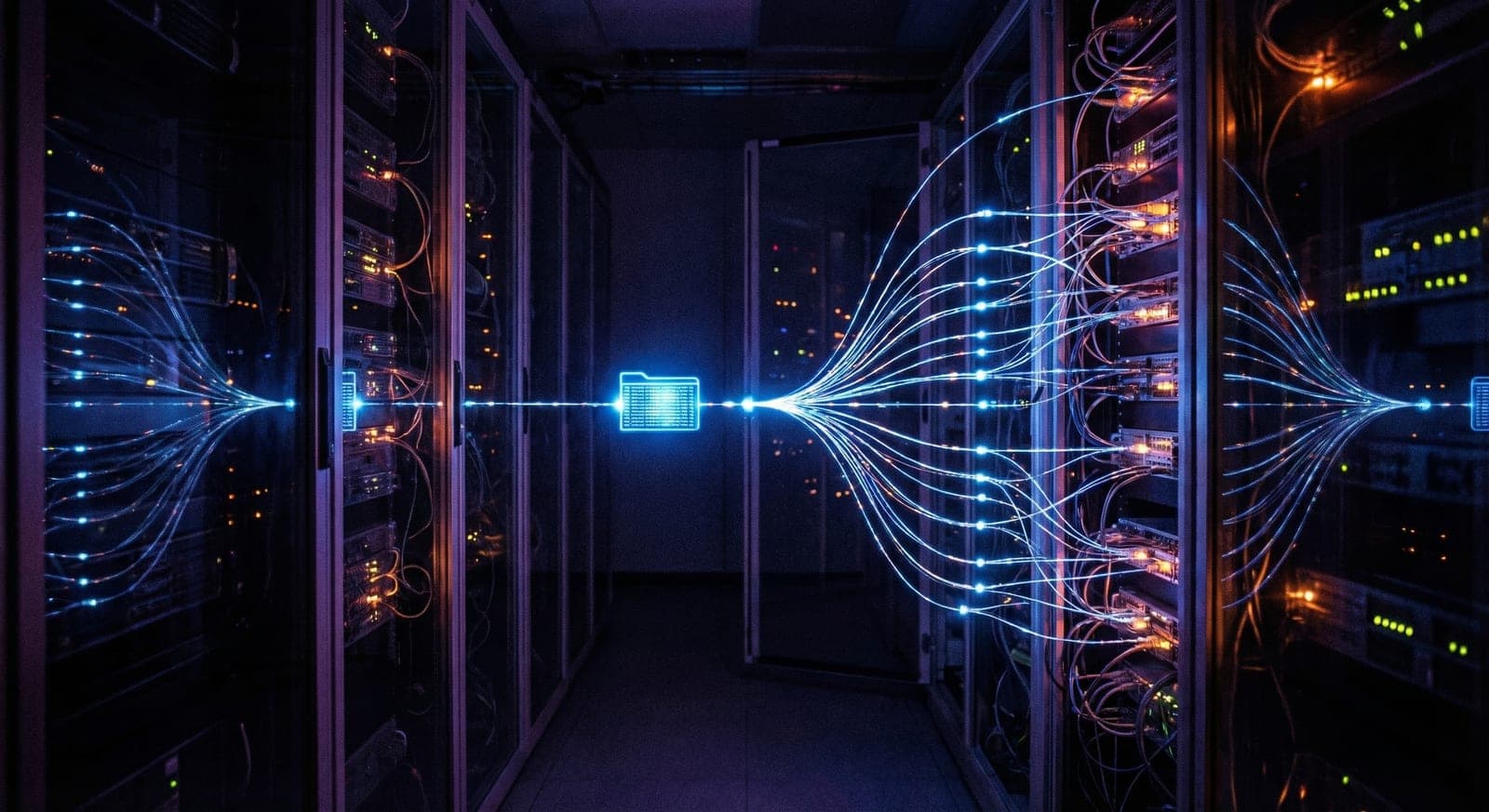
“Every email you send creates permanent copies on at least 6 different server systems, none of which you control.”
Why Your Documents Never Actually Disappear
When you click “Send” on an email containing your passport, bank statement, or tax return, you probably assume it goes directly to the recipient. In reality, your document is instantly copied across a network of servers, backup systems, and archive storage, creating a permanent digital trail you can never fully erase.
When you click “Send”, your document instantly creates permanent copies on:
- • Gmail/Outlook data centres worldwide
- • Internet service provider servers
- • Corporate email security gateways
- • Spam filter scanning systems
- • Daily backup snapshots (7+ years)
- • Disaster recovery replicas
- • Legal compliance archives
- • Geographically distributed copies
Even if both you and the recipient delete the email, copies persist in backup systems for years. Corporate email retention policies typically keep all email data for 7–10 years. Government systems often retain data indefinitely. Your “deleted” document is anything but gone.
The People Accessing Your Documents Right Now
Your emailed documents aren’t just sitting passively on servers. They’re being actively scanned, indexed, and potentially accessed by a surprising number of people and systems.
Who Can See Your Documents Right Now
- • Tech company employees: Google, Microsoft staff with “business need” access to email systems
- • Government agencies: With legal orders (and sometimes without, under national security provisions)
- • AI scanning systems: Automatic content analysis for advertising targeting and compliance
- • Data centre contractors: Third-party staff with physical server access for maintenance
- • Hackers in breaches: Your documents sold on dark web markets after data breaches
Primary Backups
- • Daily snapshots: Complete system backups every 24 hours
- • Incremental backups: Changes captured every few hours
- • Geographic distribution: Copies stored in multiple countries
- • Disaster recovery: Offline copies for major incidents
Archive Systems
- • Compliance archives: Legal requirement retention
- • Cold storage: Rarely accessed, long-term storage
- • Forensic copies: For security investigations
- • Research datasets: Anonymised for AI training
The most alarming aspect is that you have zero visibility into any of this. You can’t see who has accessed your documents, how many copies exist, or where they’re stored. Once you click send, you’ve lost all control permanently.
Eliminate the Digital Trail
AES-256 encrypted upload links. Documents auto-delete after download. Zero permanent copies.
Break Free from the Digital Trail
The only way to stop the permanent digital trail is to never create one. Encrypted document sharing platforms ensure your files are protected with AES-256 encryption before they ever leave your device, and auto-delete once the recipient has downloaded them.
Unlike email, encrypted sharing links create zero permanent copies on intermediate servers. The document exists only on your device and the recipient’s, and auto-deletes after download. No backups, no archives, no trail.
How to Eliminate the Digital Trail
Switch to encrypted sharing links for any document containing personal data
Files are permanently removed after the recipient downloads them
Links expire automatically after 24–48 hours, even if never accessed
Know exactly when and where your documents are accessed
The shift from email to encrypted sharing isn’t just about security, it’s about control. With encrypted links, you decide who can access your documents, when the access expires, and you get a log of every upload, download and collection. That’s the opposite of email, where you lose all control the moment you hit send.
Stop Emailing Sensitive Documents
AES-256 encryption. Auto-delete after download. No client accounts needed. Designed for UK GDPR.
Written by the FileSeal security and compliance team. We specialise in document security, GDPR compliance, and data protection for UK professionals. Our guides are reviewed by industry practitioners and updated regularly.